

Grow Your Event Business with HatchEvent membership plans

Upgrade your vendor experience with tier-specific exclusive tools and exposure

It’s easy to get started

1

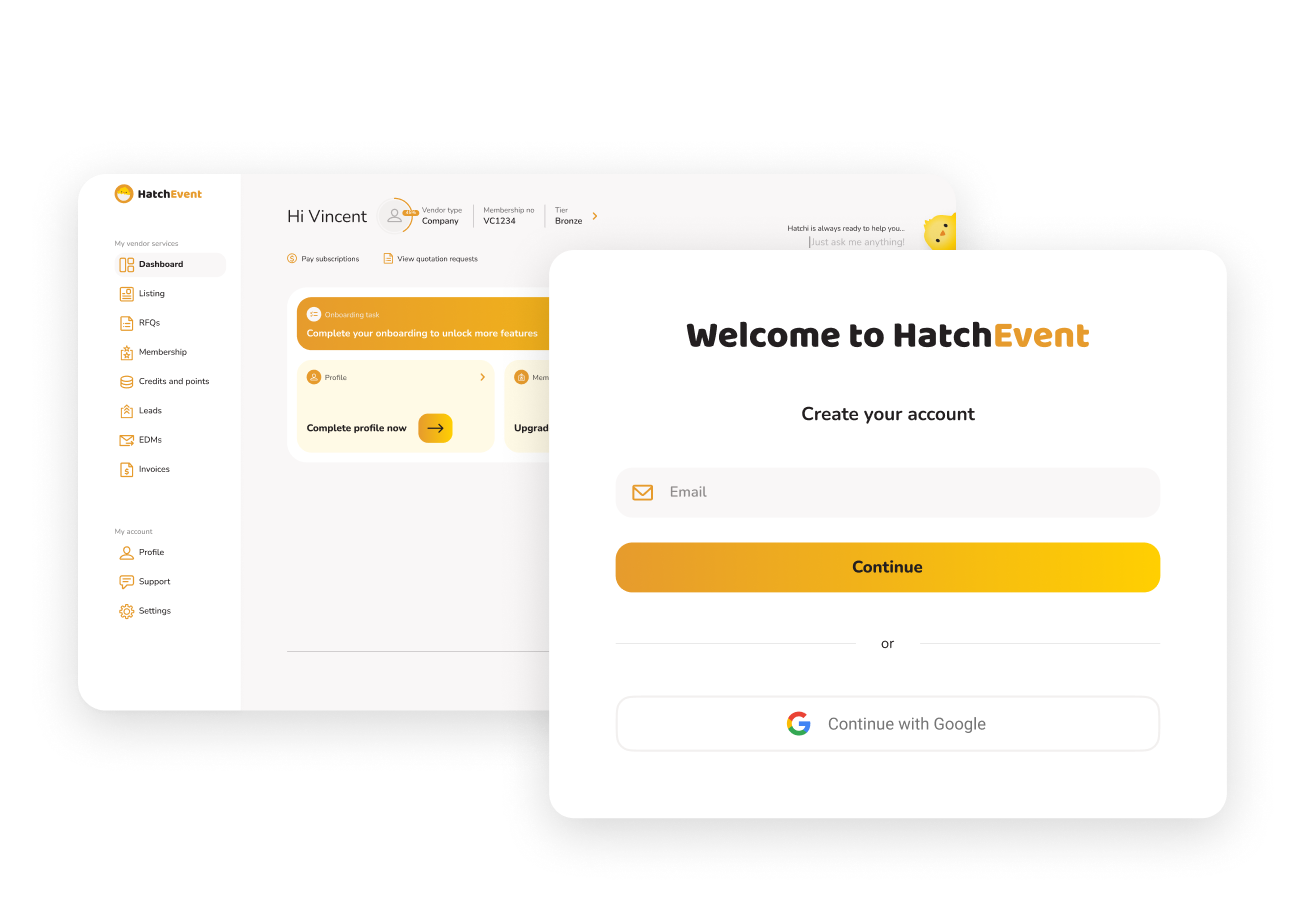
Create your vendor account

Start by creating your HatchEvent vendor account and setting up your business profile. Share your company details, service categories, contact information, and the types of events you support, so organisers can discover your services when they are planning.

2

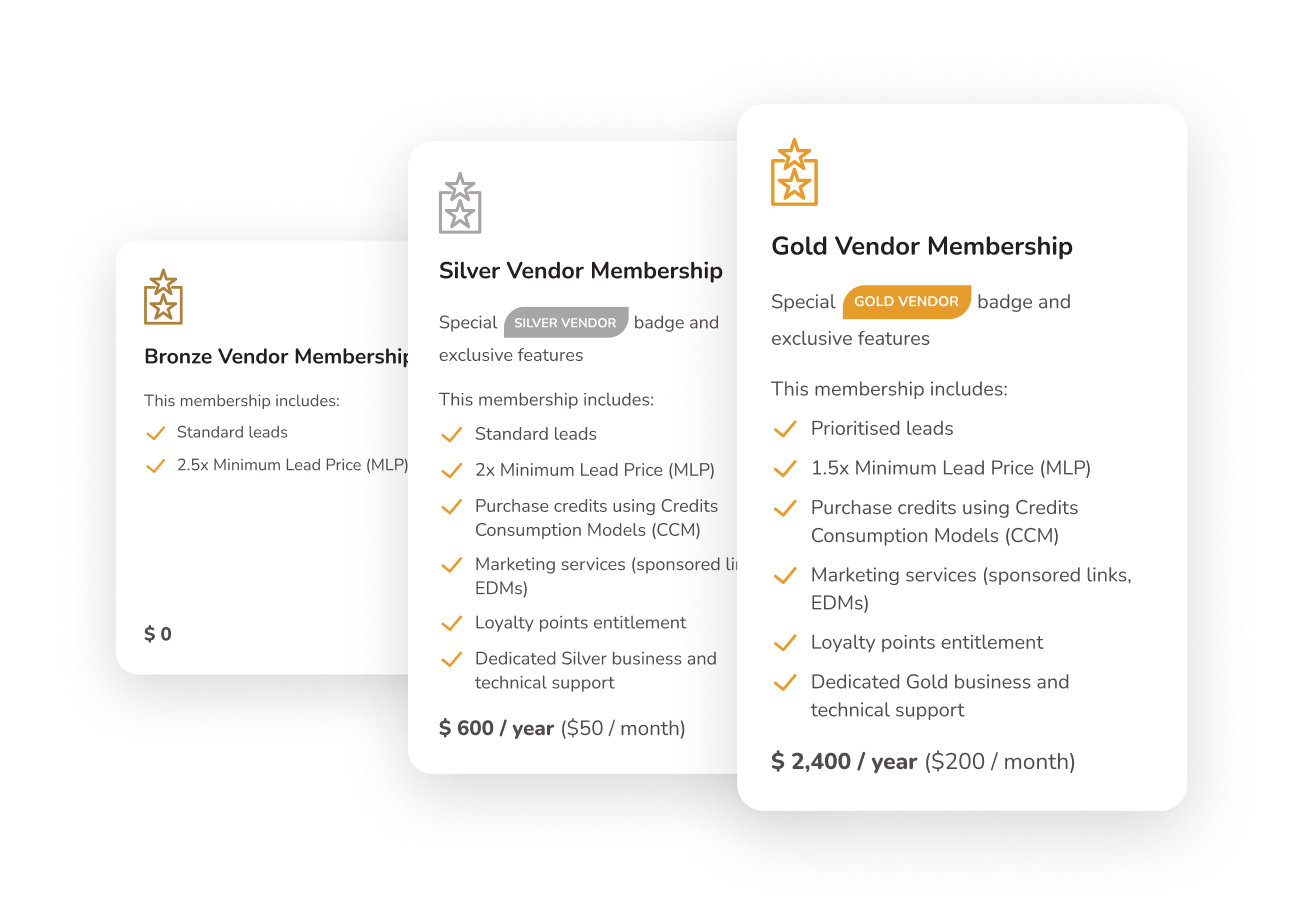
Upgrade your membership

Choose a membership plan that matches your business goals. Whether you are starting out or looking for stronger visibility, HatchEvent gives you access to tier-specific tools, listing exposure, enquiry credits, and support to help you grow.

3

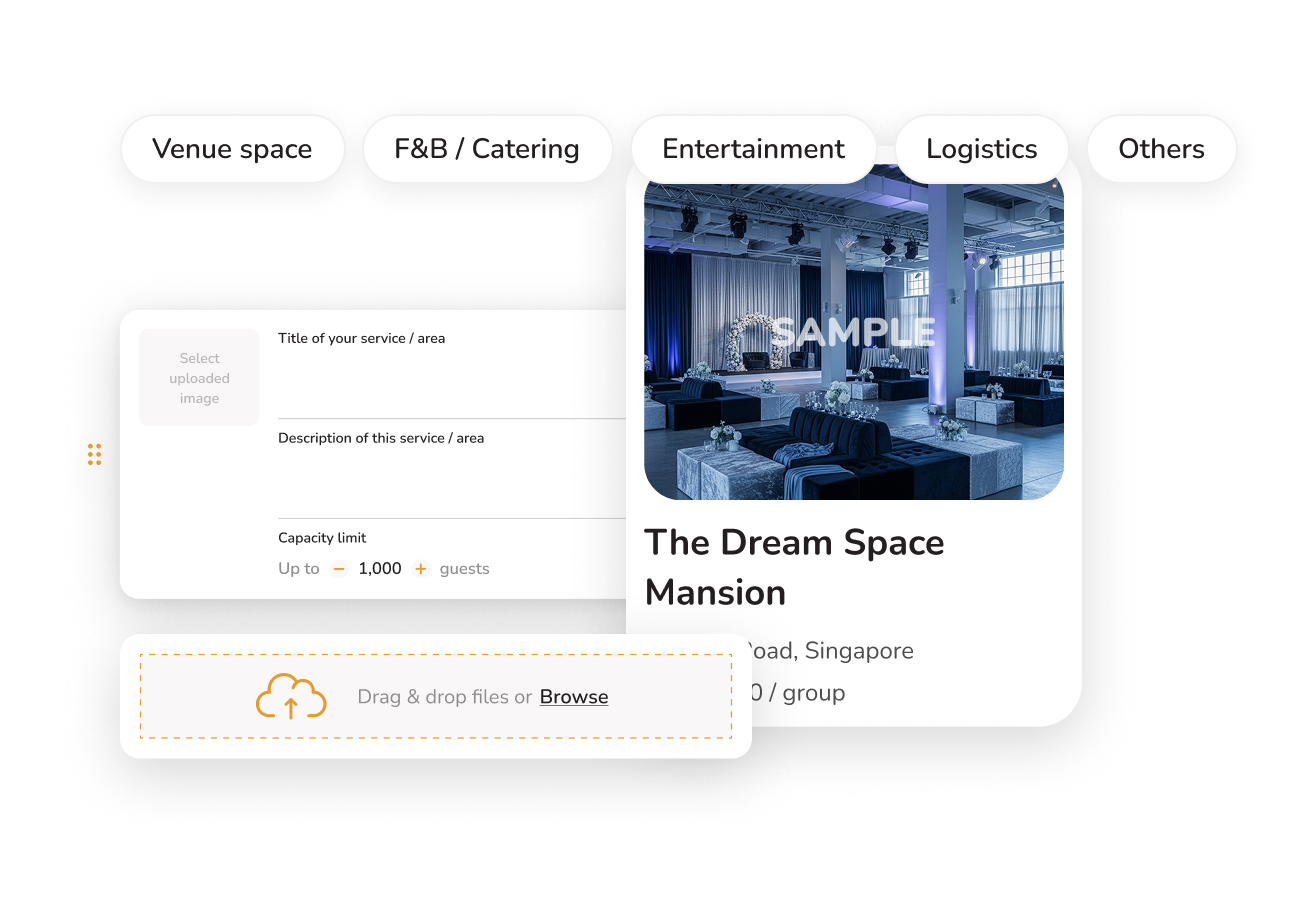
Create your listing

Build a clear and attractive vendor listing that showcases what you offer. Add your service descriptions, photos, packages, pricing guidance, and key details so organisers can understand your value and shortlist you with confidence.

4

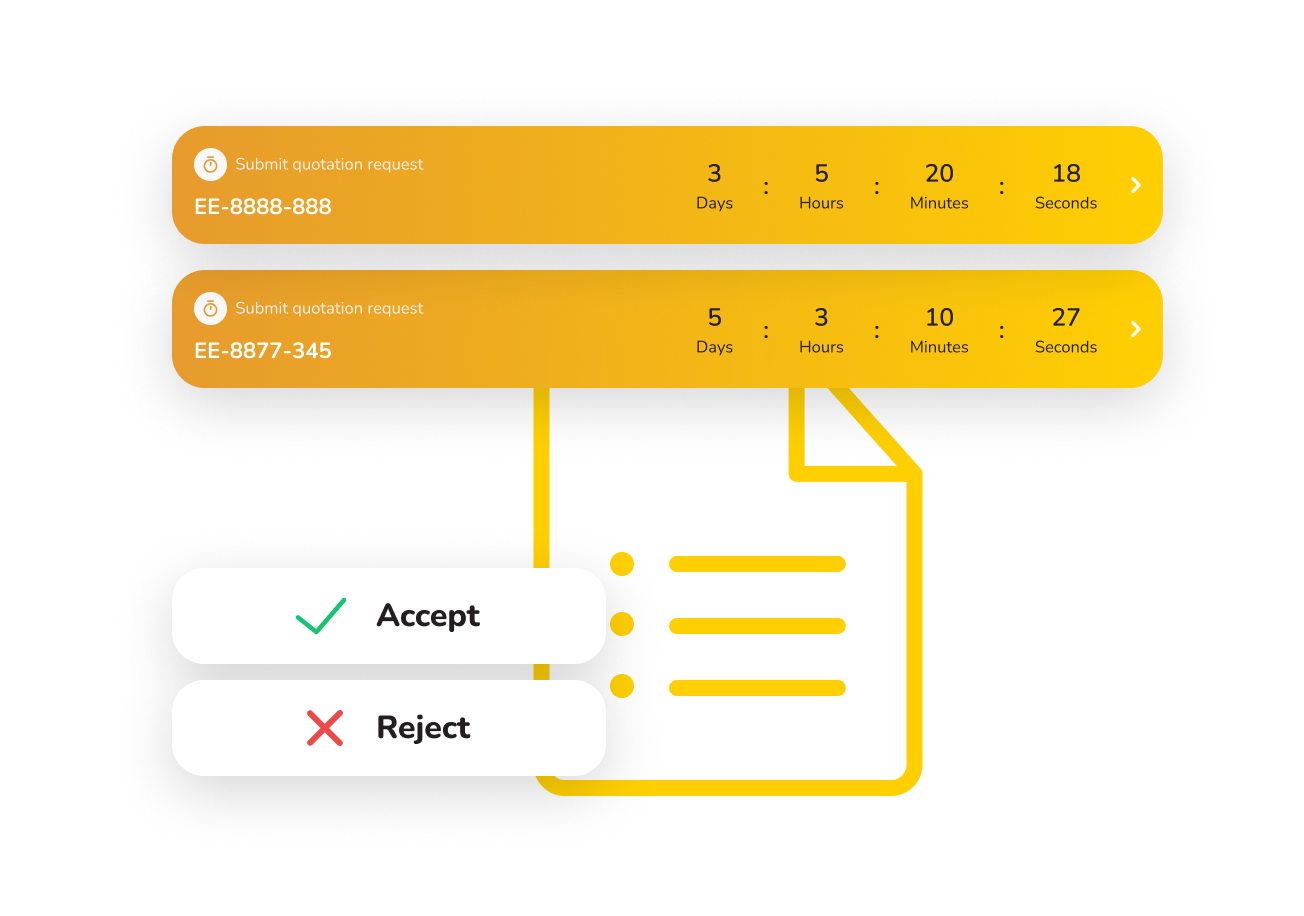
Receive and submit event organiser’s RFQs

Get connected with organisers who are actively planning events and looking for services like yours. Review their event requirements, budget, date, and preferences, then submit your quotation directly through the platform for easier comparison and follow-up.

5

Execute the event!

Once selected, work with the organiser to confirm the final details and deliver a smooth event experience. Strong communication, professionalism, and reliable service can help you earn better ratings, improve visibility, and attract more future enquiries.

Frequently asked questions

How do I get help as a vendor?

You can reach us via:
• support@hatchevent.com
• Knowledge base & onboarding guides
• Vendor dashboard support tickets

What happens if I stop using HatchEvent?
Reviews and Ratings
Can I dispute a review?

Become our vendor now!